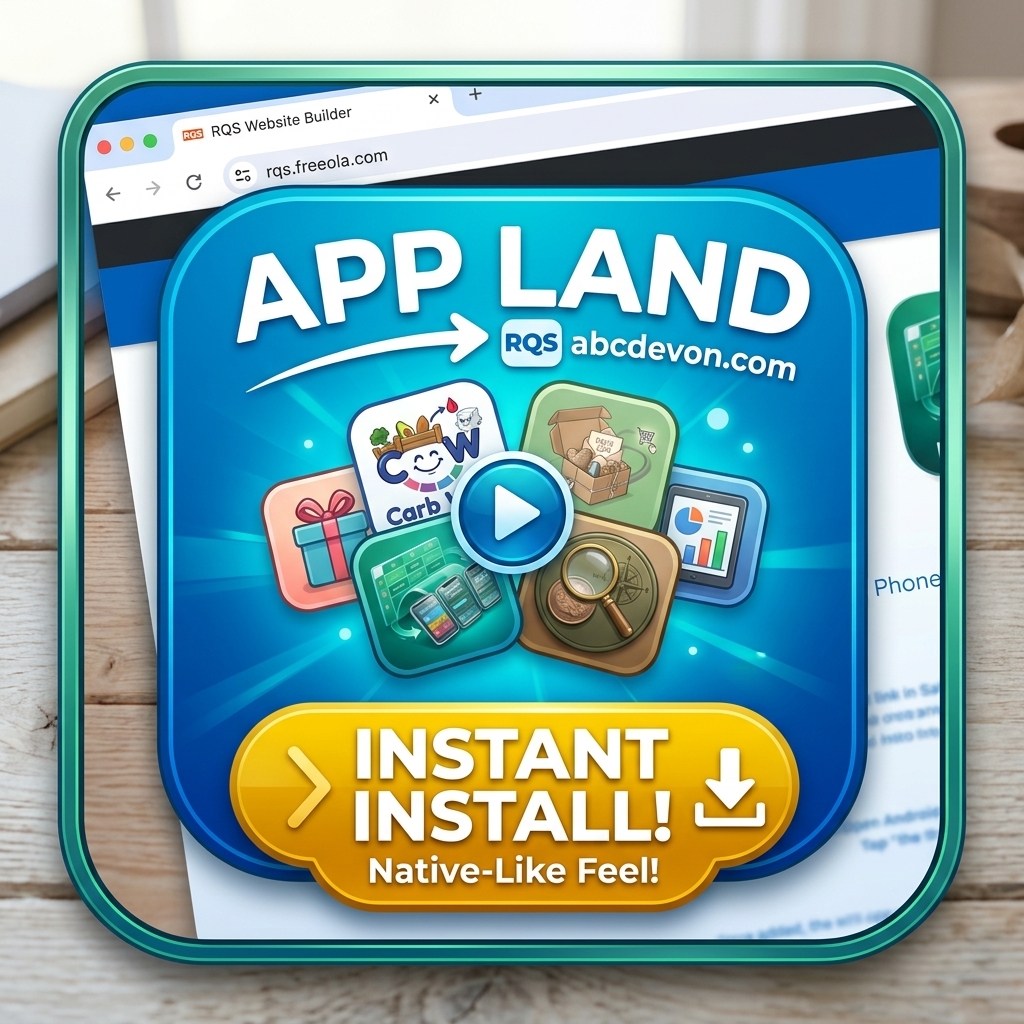
Welcome to App Land
Please click on an image below to view that app's page for more information and a direct link to open it.


How to Add Our Apps to Your Phone (No App Store Needed)
Every app on App Land runs directly in your web browser, which means there is nothing to download from the App Store or Google Play. You can save any of our apps straight to your phone's home screen in two quick taps so it opens full-screen with its own icon—just like a regular app.
On iPhone & iPad (using Safari)
-
Open the app you want to save in Safari.
-
Tap the Share button at the bottom of the screen (the square icon with an arrow pointing upward).
-
Scroll down the menu and tap Add to Home Screen.
-
Tap Add in the top-right corner to place the app icon on your home screen.
On Android Phones & Tablets (using Chrome or Edge)
-
Open the app you want to save in Chrome or Edge.
-
Tap the three-dots menu (
⋮) in the top-right corner of your browser. -
Tap Add to Home screen or Install app.
-
Tap Install or Add to confirm, and the icon will appear on your home screen for instant one-tap access.